
Saltpath ClearLink
Saltpath ClearLink turns an iPhone or iPad into an Apple Music player for your hi-fi, controlled from another iPhone, iPad, Mac or Apple TV on the same local network.
Now available on the App Store. Get Saltpath ClearLink
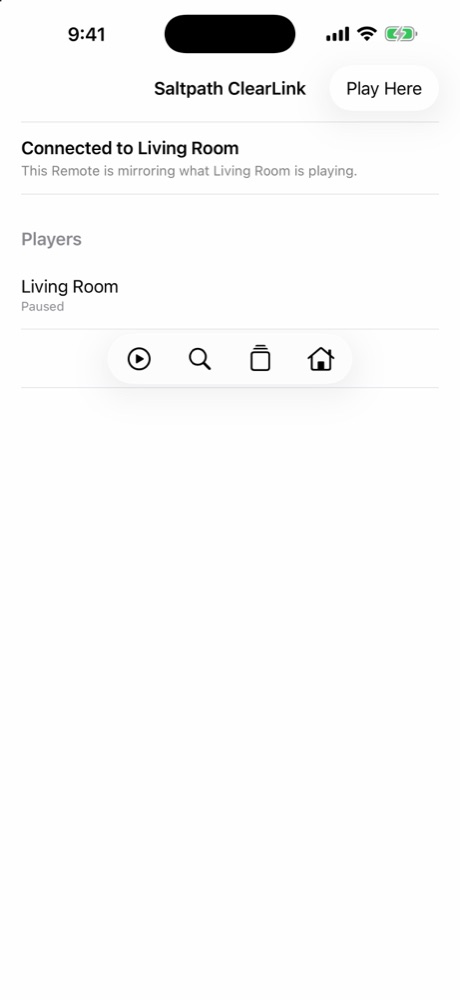
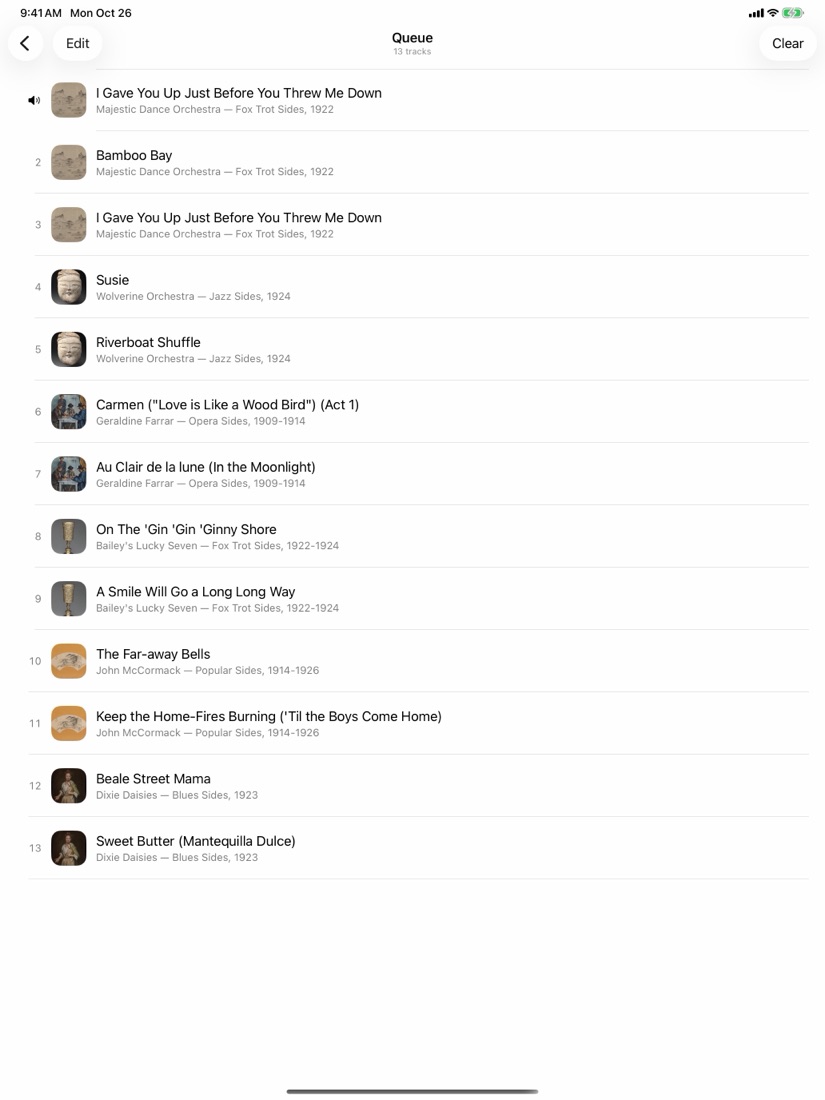
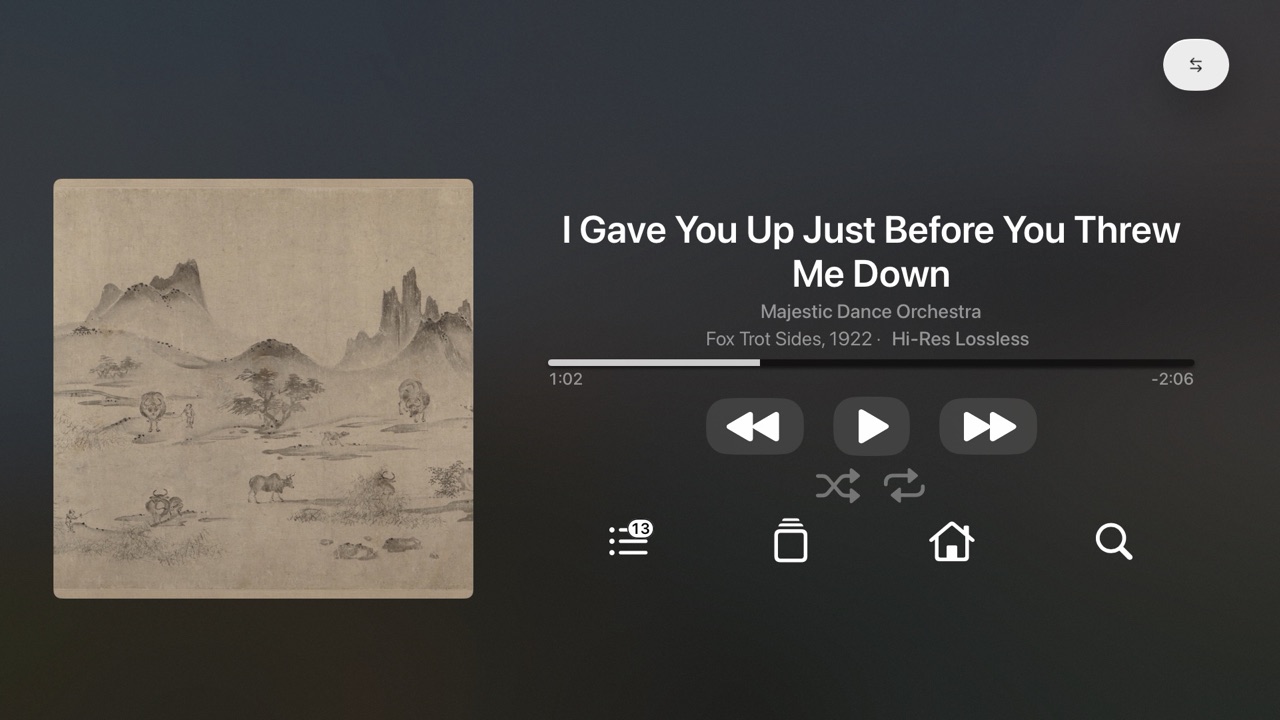
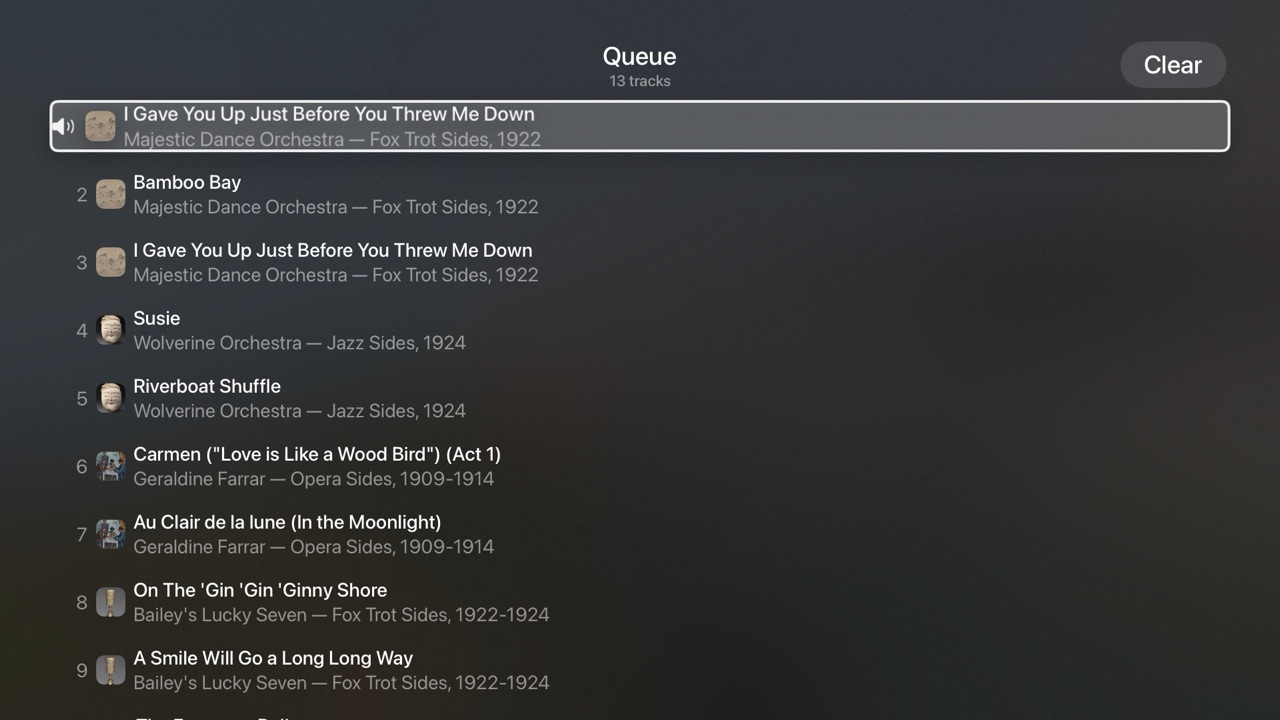
Connect the Player to your USB DAC or stereo and leave ClearLink open. Browse your library and Apple's catalog, build the queue, and play, pause or skip from your Remote. Audio stays on the Player: ClearLink does not relay or re-encode it.
See it
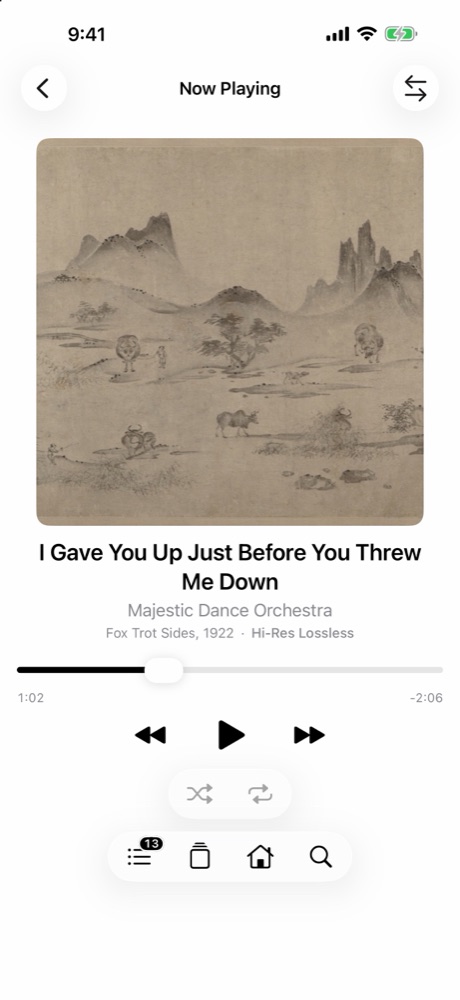
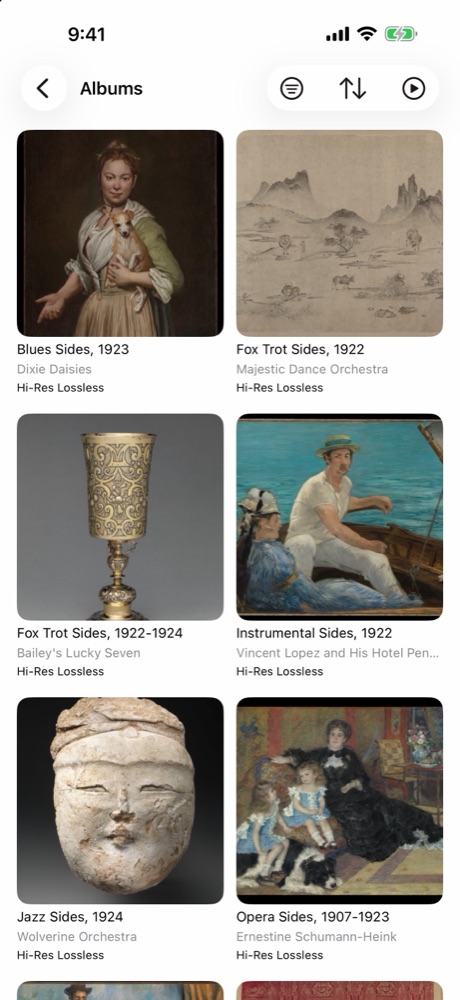
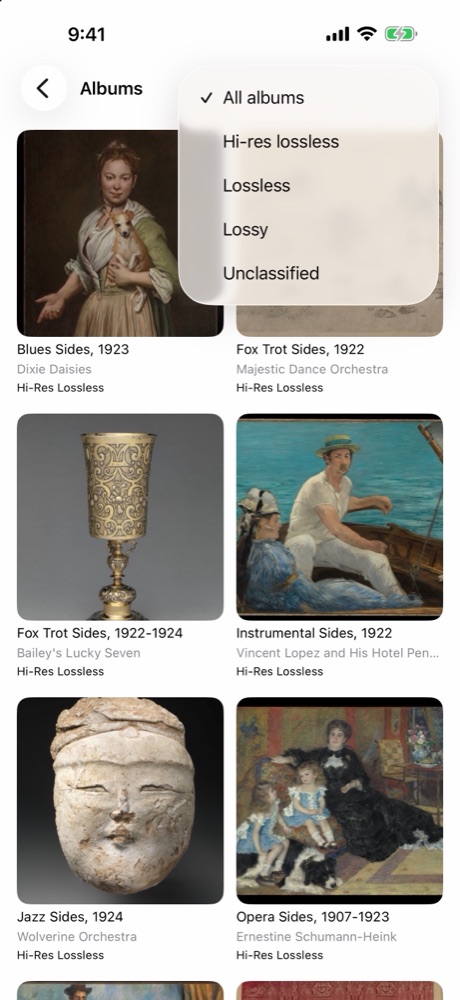
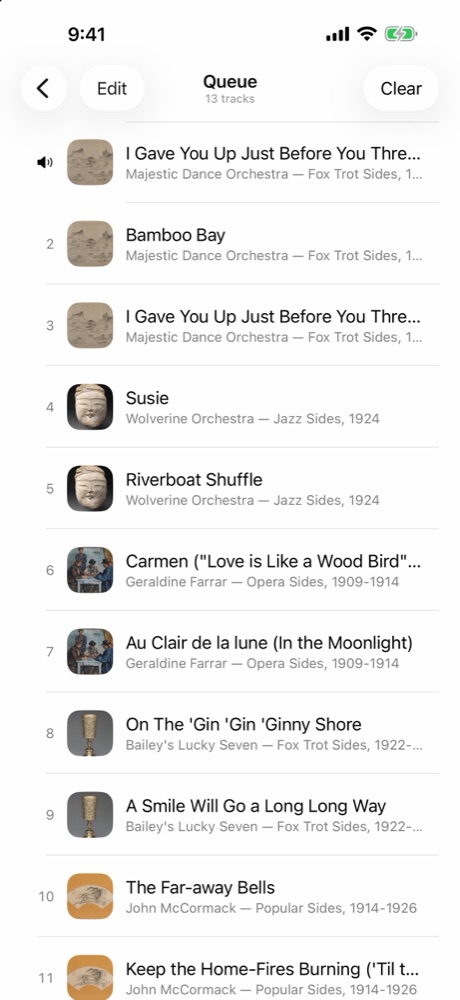

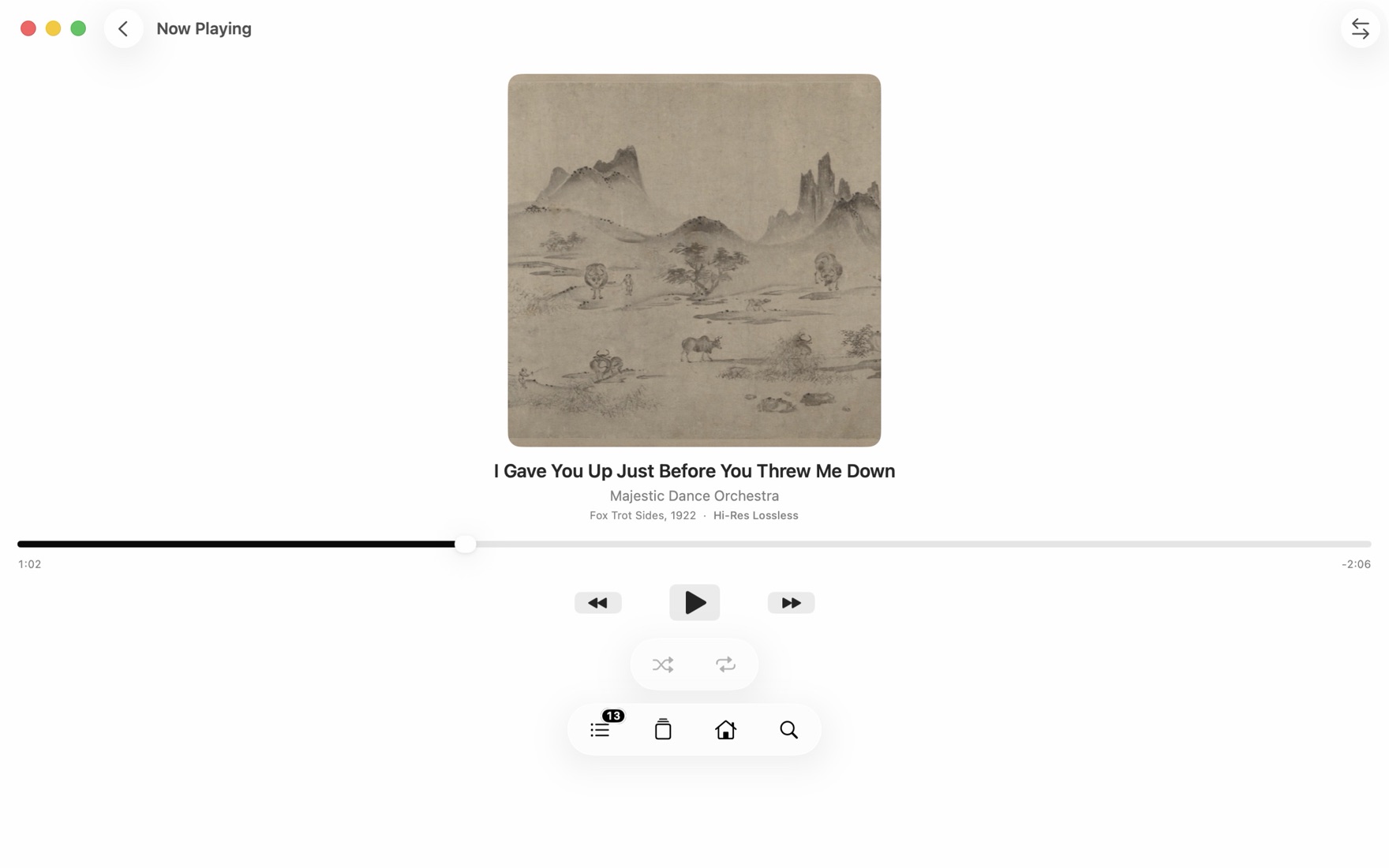
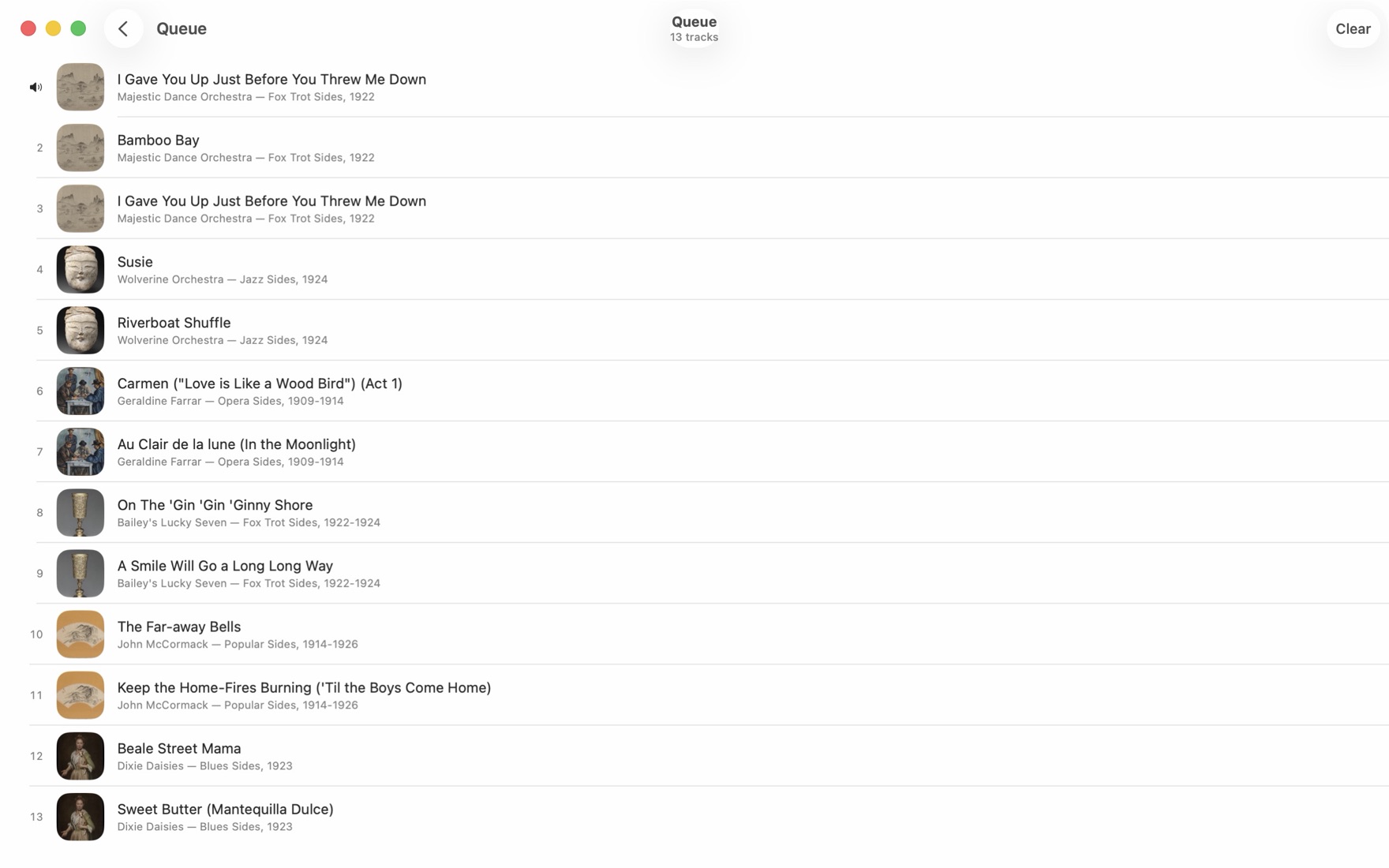
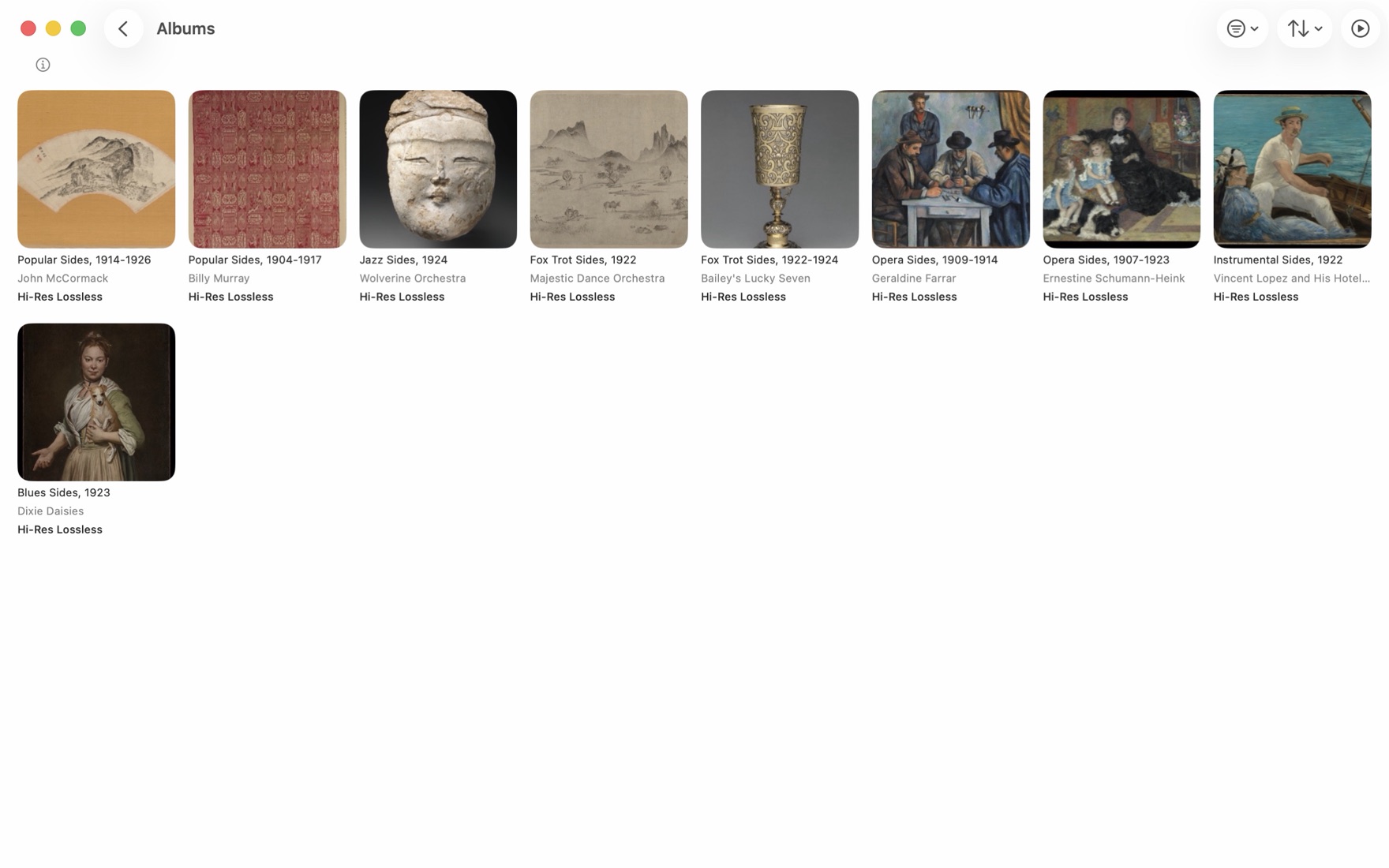
Features
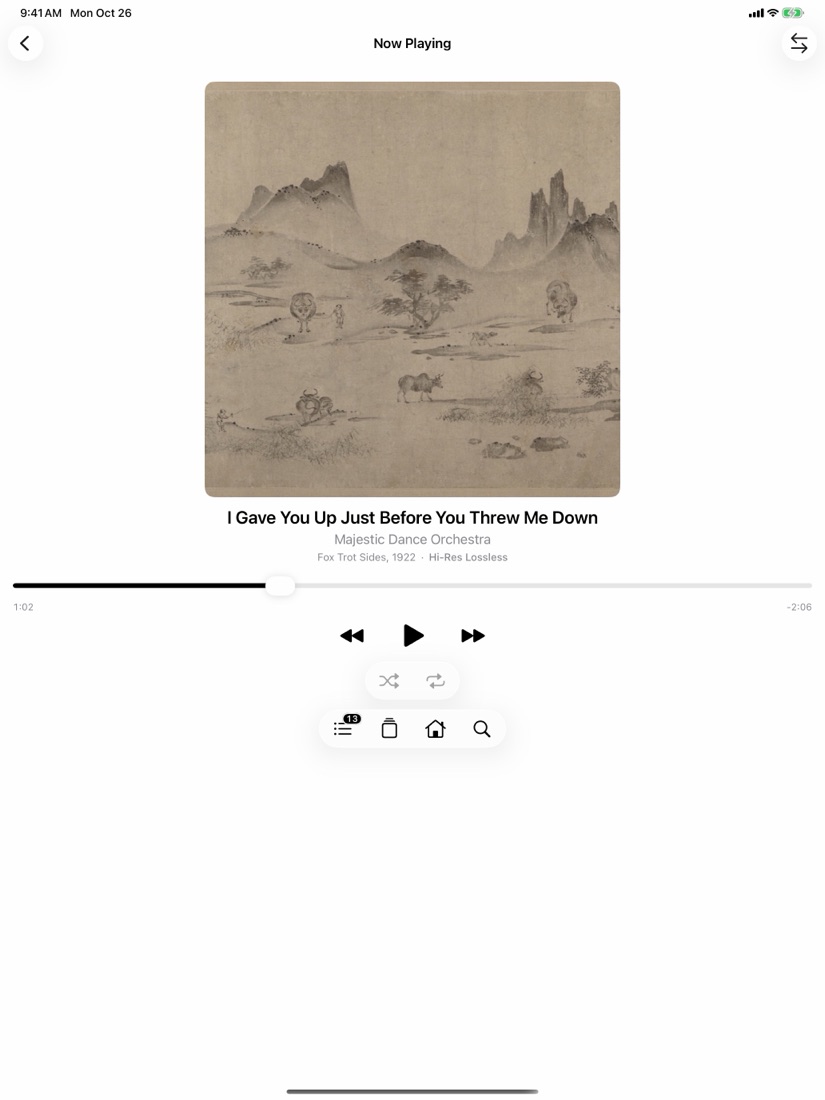
- Quality in view. See the available audio variant and explore an album's Other Versions before choosing what to play. Open the quality details from the variant beside the album on Now Playing.
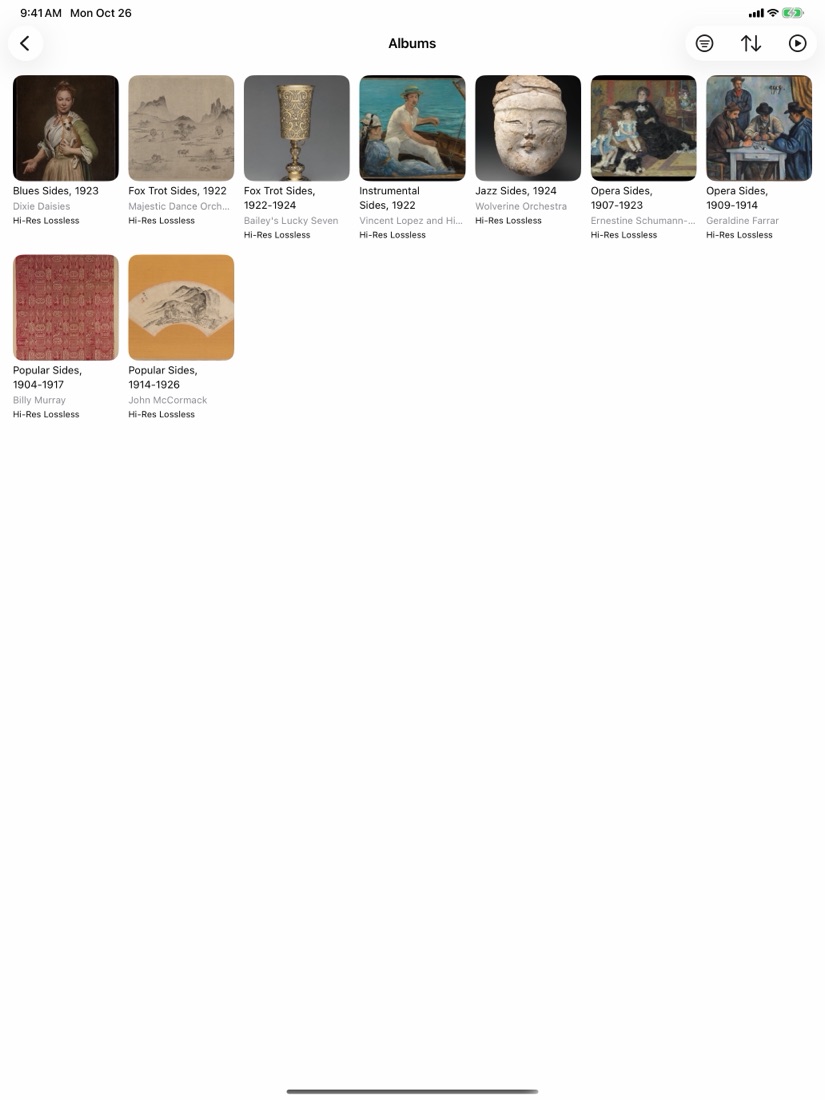
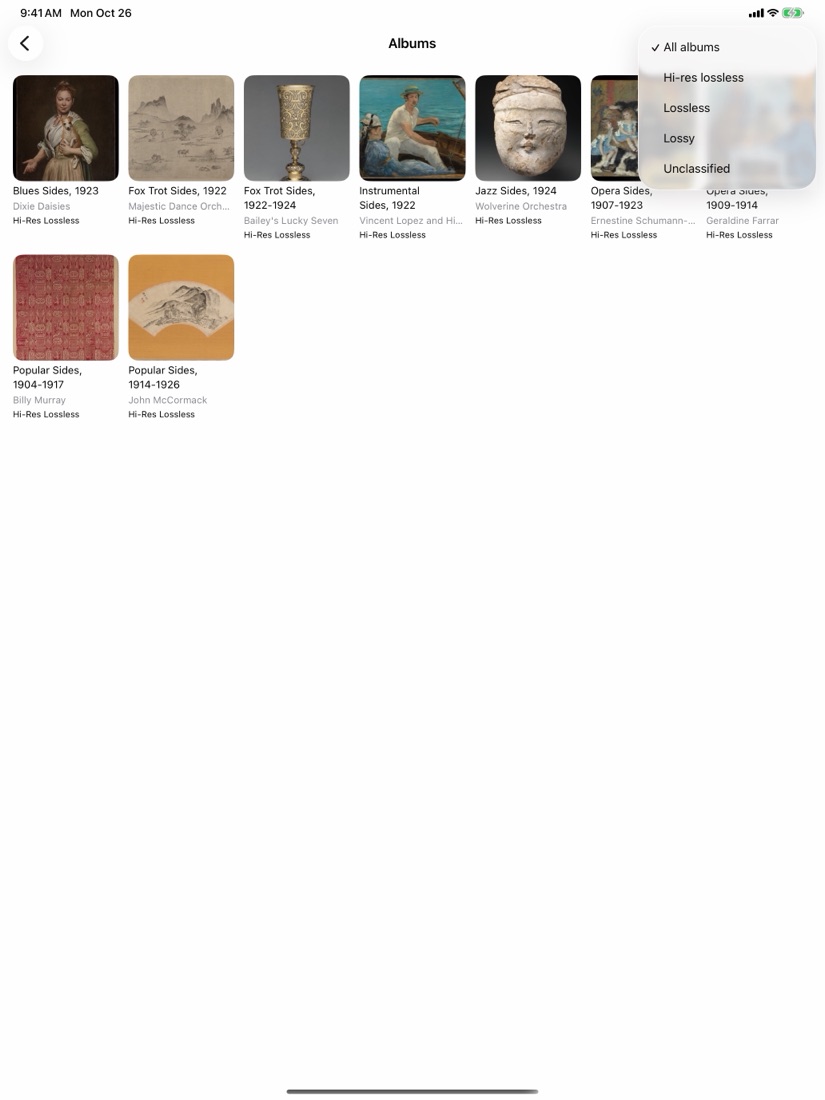
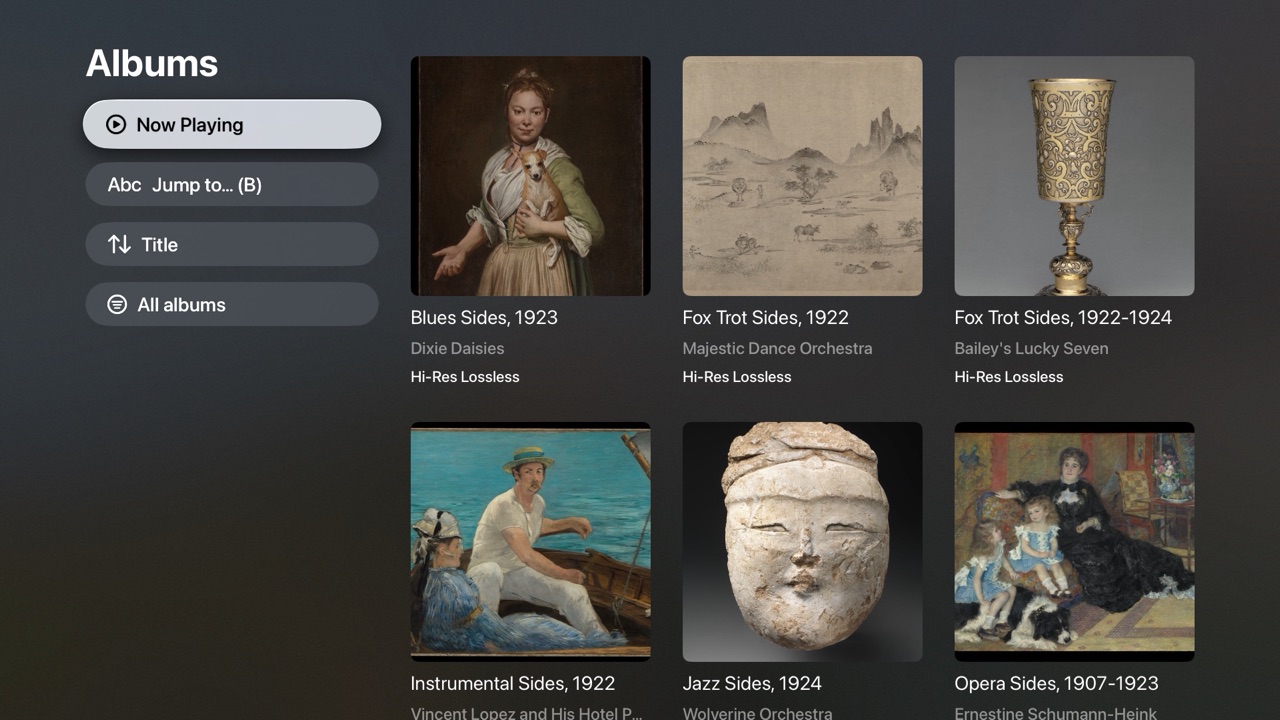
- Your library. Browse playlists, albums, artists and songs. Search your library, sort it, filter by quality or filter songs, and jump with the A–Z rail.
- Home. Discover Apple's recommendation shelves.
- Simple pairing. Open Add Remote on the Player, select it on the Remote, then approve the connection on the Player. No codes or ClearLink accounts.
- No sign-in on the Remote. Remote control works without Apple Music sign-in on the Remote. Optional Apple Music access on Apple TV supplies local library artwork.
- A dedicated Player. Use Dim (Screen Off on Apple TV) to darken its screen while keeping ClearLink open.
- Private by design. No advertising, analytics or developer-operated server. Remote commands stay on your local network; Apple Music and artwork come from Apple.
What you need
- Player An iPhone or iPad running iOS or iPadOS 16 or later, or an Apple TV running tvOS 17 or later, with an active Apple Music subscription and permission to access Apple Music.
- Remote An iPhone or iPad running iOS or iPadOS 16 or later, a Mac running macOS 14 or later, or an Apple TV running tvOS 17 or later.
- Network All devices on the same local network, with local-network access allowed. Apple Music services need internet access.
- Version 1.1 iPhone, iPad and Apple TV can be Player or Remote. A Mac can be a Remote but not a Player. On Apple TV, choose Play Here to make it the Player; it plays through the Apple TV's own output.
About audio quality
Audio quality depends on the selected Apple Music version, the Player's settings and its output path. ClearLink's quality details are not a measurement at your DAC.
Help
Read ClearLink support or email support@saltpath.app. The privacy policy explains what the app does with your information.